5 min read - Architectural Patterns for Large-Scale Angular Applications
Frontend Architecture & Angular
For developers and engineers
Published July 21, 2025 · Author Exceev Consulting
Angular provides dependency injection, routing, forms and a documented component model in one framework. Those capabilities can support a complex frontend, but they cannot prevent architectural debt on their own.
This guide presents decisions to test in a multi-feature Angular codebase. They are starting points, not performance guarantees or rules based on component count.
Keep feature ownership and dependencies visible. Choose state management and change detection from measured needs, migrate incrementally, and verify every optimisation in the application you actually operate.
Modular Design: Feature Boundaries That Scale
A maintainable application needs boundaries that make ownership and dependencies visible. A feature-oriented structure is one way to create them; it is not the only valid layout.
Feature Modules and Standalone Components
Angular recommends standalone components for new development. A standalone component declares the components, directives and pipes used by its template:
@Component({
  selector: 'app-invoice-list',
  standalone: true,
  imports: [CommonModule, InvoiceCardComponent, PaginationComponent],
  template: `...`,
  changeDetection: ChangeDetectionStrategy.OnPush,
})
export class InvoiceListComponent {
  invoices = input.required<Invoice[]>()
}
Angular provides an official migration that can convert declarations, remove unnecessary NgModules and update bootstrapping in separate steps. Review each step instead of assuming an automatic migration preserves every application boundary.
Folder Structure for Multi-Team Codebases
One possible structure for a multi-feature application:
src/app/
├── core/              # Singleton services, guards, interceptors
├── shared/            # Reusable components, pipes, directives
├── features/
│   ├── invoicing/     # Feature area
│   │   ├── components/
│   │   ├── services/
│   │   ├── models/
│   │   └── routes.ts
│   ├── user-management/
│   └── reporting/
└── app.routes.ts      # Top-level route config
The intended boundary is that invoicing/ does not reach into reporting/.
Enforce that rule with import constraints and reviews. Route lazy loading can
defer code, but verify the resulting bundles rather than inferring them from the
folder names.
Signal-Based Reactivity
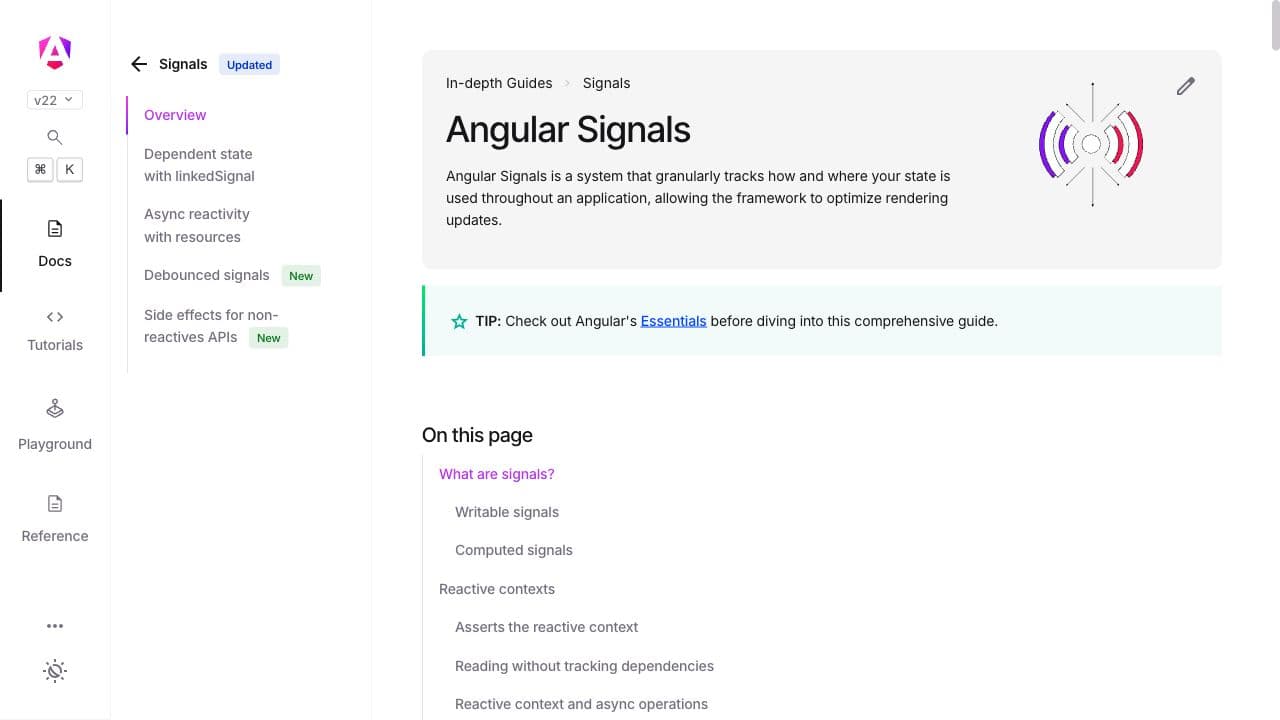
Angular signals track where state is read so dependent consumers can be updated. They coexist with RxJS and with different change-detection configurations.
Why Signals Matter
Signals provide fine-grained dependency tracking. Reading a signal in an
OnPush template registers that component as a consumer; a change marks it for
an update. Signals alone do not make an application zoneless:
@Component({
  selector: 'app-cart-summary',
  standalone: true,
  template: `
    <p>Items: {{ itemCount() }}</p>
    <p>Total: {{ formattedTotal() }}</p>
  `,
})
export class CartSummaryComponent {
  private cartService = inject(CartService)

  items = this.cartService.items // Signal<CartItem[]>
  itemCount = computed(() => this.items().length)
  formattedTotal = computed(() =>
    this.items().reduce((sum, item) => sum + item.price * item.quantity, 0)
  )
}
linkedSignal and resource()
The current Angular API includes linkedSignal for state derived from another
source and resource APIs for asynchronous data tied to signals. Check the
current stability notes before adopting them in a long-lived codebase:
// linkedSignal: derived but locally writable
selectedTab = linkedSignal(() => this.tabs()[0])

// resource(): async data bound to signal changes
usersResource = resource({
  request: () => this.searchQuery(),
  loader: ({ request }) => this.userService.search(request),
})
Compare them with the existing RxJS design on cancellation, errors, caching, testing and team familiarity. Less code in one example does not establish a better production design.
Smart vs Presentational Components
Separating components that coordinate data from components that display data can clarify ownership when a screen has become difficult to test.
Smart (container) components handle:
- Service injection and data fetching
- State management coordination
- Route parameter handling
- Side effects (navigation, toasts, analytics)
Presentational components handle:
- Rendering inputs via
input()signals - Emitting events via
output() - Zero service injection
- Pure template logic
This separation can make presentational components easier to test. Reuse still depends on whether the consumer needs the same behaviour and accessibility contract.
State Management at Scale
Not every Angular app needs NgRx. The right state management approach depends on your complexity:
Signals + Services: useful when ownership is local and the required state transitions remain clear without an additional library.
NgRx Signal Store: worth evaluating when the team needs repeatable store composition or entity helpers.
NgRx Store: worth evaluating when explicit events, reducers, effects and tooling solve an observed coordination problem.
// NgRx Signal Store example
export const InvoiceStore = signalStore(
  withEntities<Invoice>(),
  withMethods((store) => ({
    async loadInvoices() {
      const invoices = await inject(InvoiceService).getAll()
      patchState(store, setAllEntities(invoices))
    },
  }))
)
Performance Patterns
OnPush Change Detection
ChangeDetectionStrategy.OnPush can reduce the component subtrees Angular checks
under documented triggers. Adopt it where the team understands those triggers
and regression tests cover the affected interactions:
@Component({
  changeDetection: ChangeDetectionStrategy.OnPush,
  // ...
})
Measure change-detection and rendering work before and after the change. Signals
and OnPush can improve a particular path, but no fixed reduction applies to
every application.
Lazy Loading and Deferrable Views
Angular also documents @defer blocks for deferring selected template
dependencies:
@defer (on viewport) {
<app-heavy-chart [data]="chartData()" />
} @placeholder {
<div class="skeleton-chart"></div>
}
This pattern is especially useful for dashboards and reporting views where heavy components sit below the fold.
TrackBy and Virtual Scrolling
Use track with @for so Angular can associate data with DOM nodes. Consider
CDK virtual scrolling when measured rendering and memory costs justify it; a
fixed item count is not a reliable threshold:
@for (item of items(); track item.id) {
<app-item-card [item]="item" />
}
Testing Strategy
A scalable testing approach for Angular:
- Unit tests for services and pure functions (Jest or Vitest)
- Component tests for presentational components using Angular Testing Library
- Integration tests for smart components with mocked services
- E2E tests for critical user flows using Playwright
Choose test layers from the failure each one needs to detect. Coverage percentage alone does not establish whether the important behaviour is protected.
Primary sources
- Angular signals guide, reviewed 27 August 2026
- Angular standalone migration, reviewed 27 August 2026
- Angular skipping component subtrees guide, reviewed 27 August 2026
- Angular deferrable views guide, reviewed 27 August 2026
Keep complexity visible
Large Angular applications need explicit module boundaries, measured state management and a consistent change-detection strategy. Those choices make ownership and data flow easier to inspect as the codebase grows. If your Angular codebase needs architectural guidance, get in touch.
Building or modernizing a product?
Exceev validates the direction, builds maintainable applications and platforms, and selects proven open-source tools where they fit.